How To Use SpireKids?
Turn Screen Time Into Learning Time
1
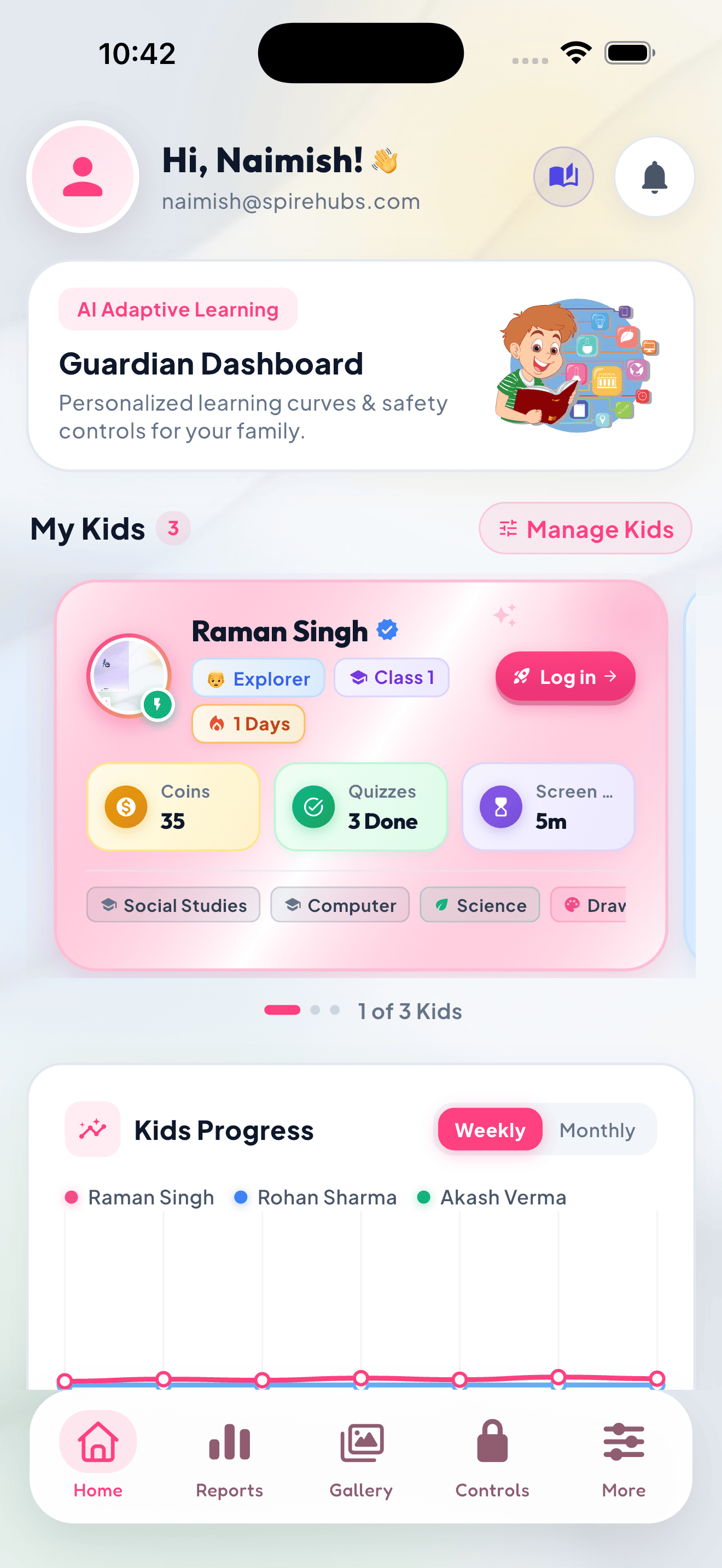
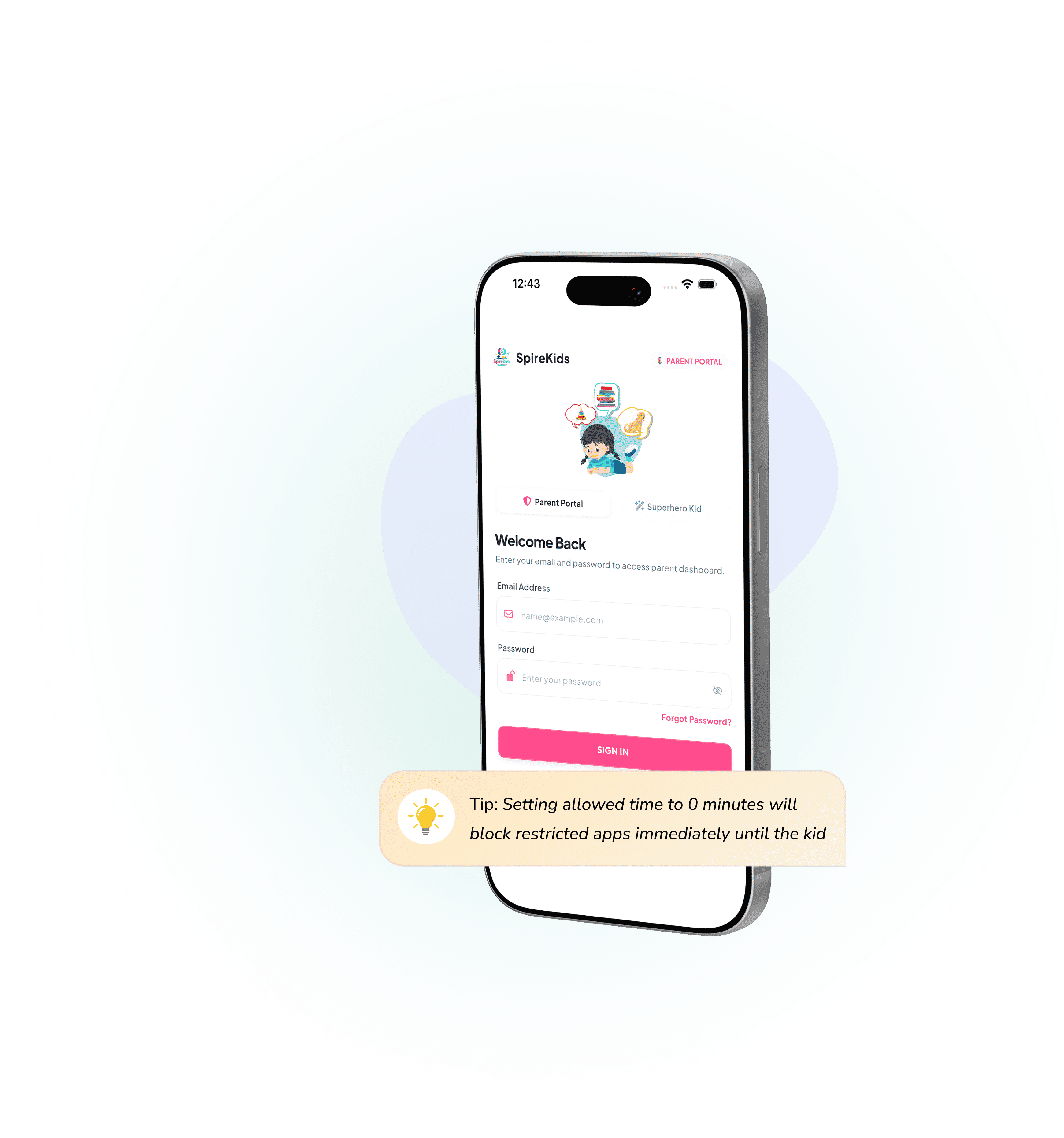
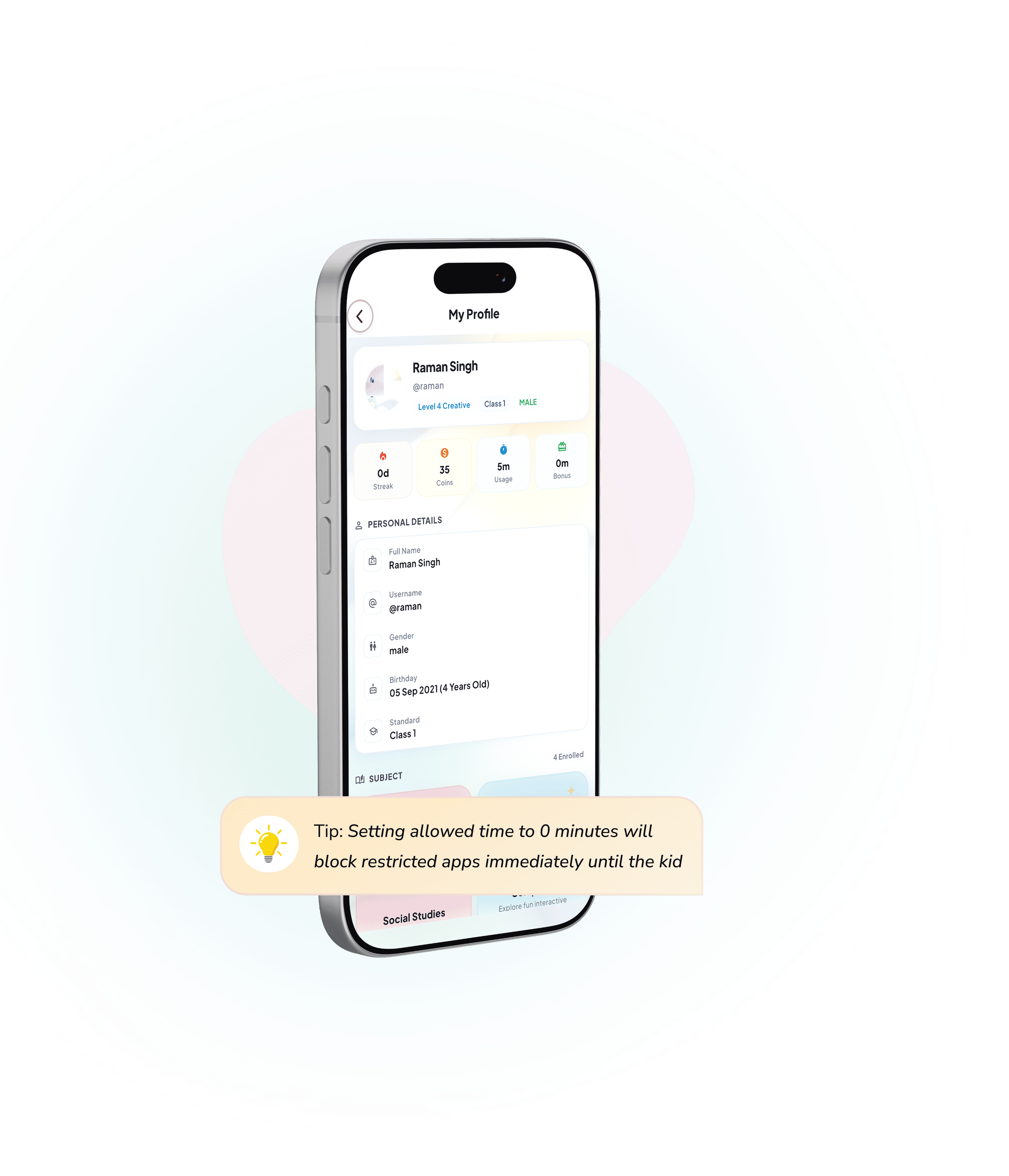
Profile SetupCreate & Customize Kid Profiles
Set up personalized profiles for each child with grade-level curriculum, age-appropriate content, and learning goals.
- Assign individual grades, age categories, and skill levels
- Select custom avatars, companion characters, and themes
- Set distinct daily target learning time for each child
- Easy multi-child switcher on a single parent account
2
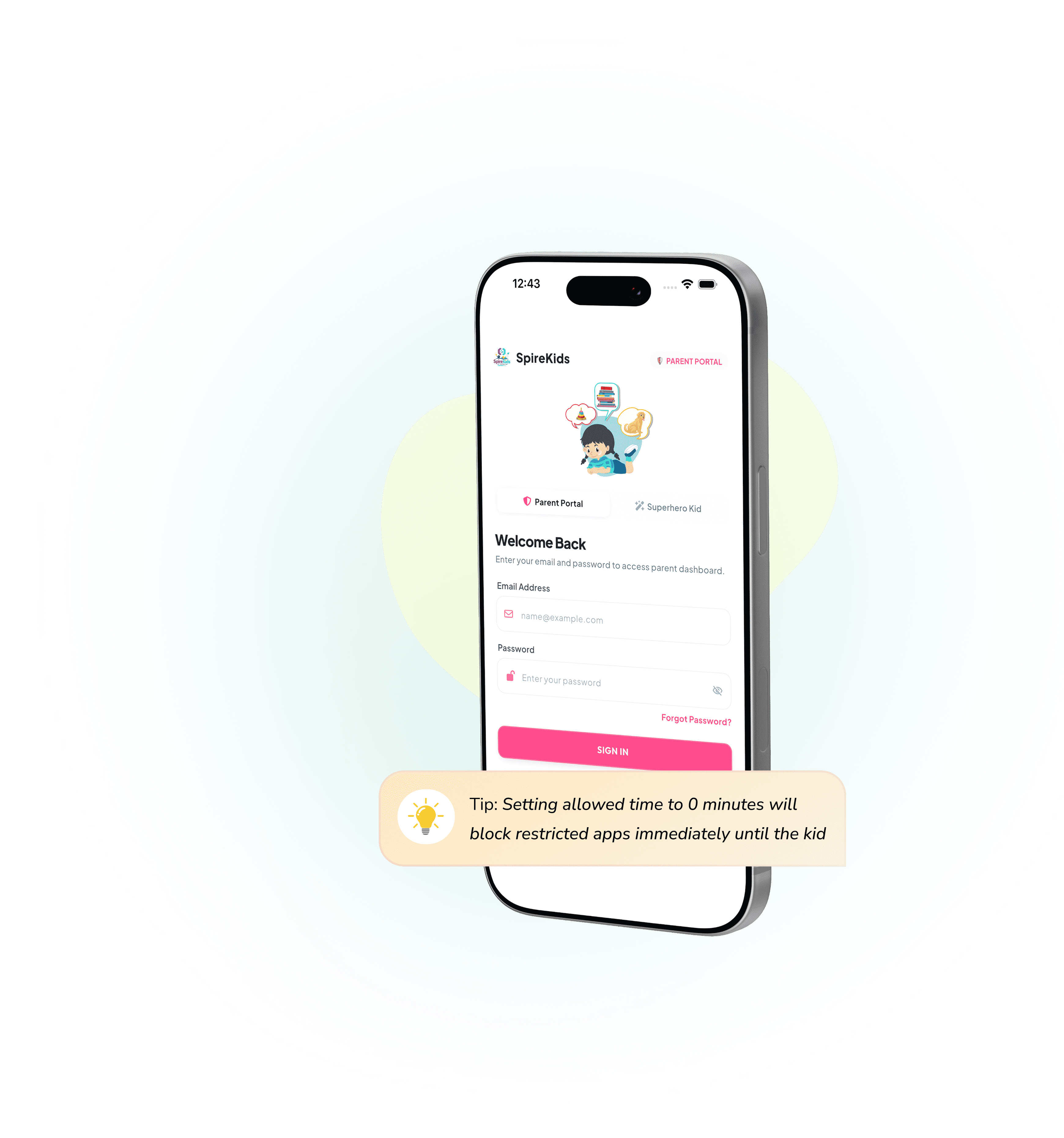
App RulesSet Screen Time Limits & Restricted Apps
Control when and how long kids use devices with flexible schedules, daily allowances, and instant locks.
- Set custom daily screen allowances (e.g. 45 mins/day)
- Block distracting apps & websites with one tap
- Automatic bedtime and study-time device lockdowns
- Instant remote pause button right from your parent phone
3
Learn & EarnAI Learning Quizzes & Time Extension
Turn education into currency. Kids complete curriculum-aligned practice quizzes to earn extra screen time and game unlocks.
- Adaptive quizzes tailored to your child's learning pace
- Earn 15 mins screen bonus for every completed learning quest
- Unlock arcade mini-games, drawing tools, and puzzles
- Voice read-aloud support for early and younger readers
4
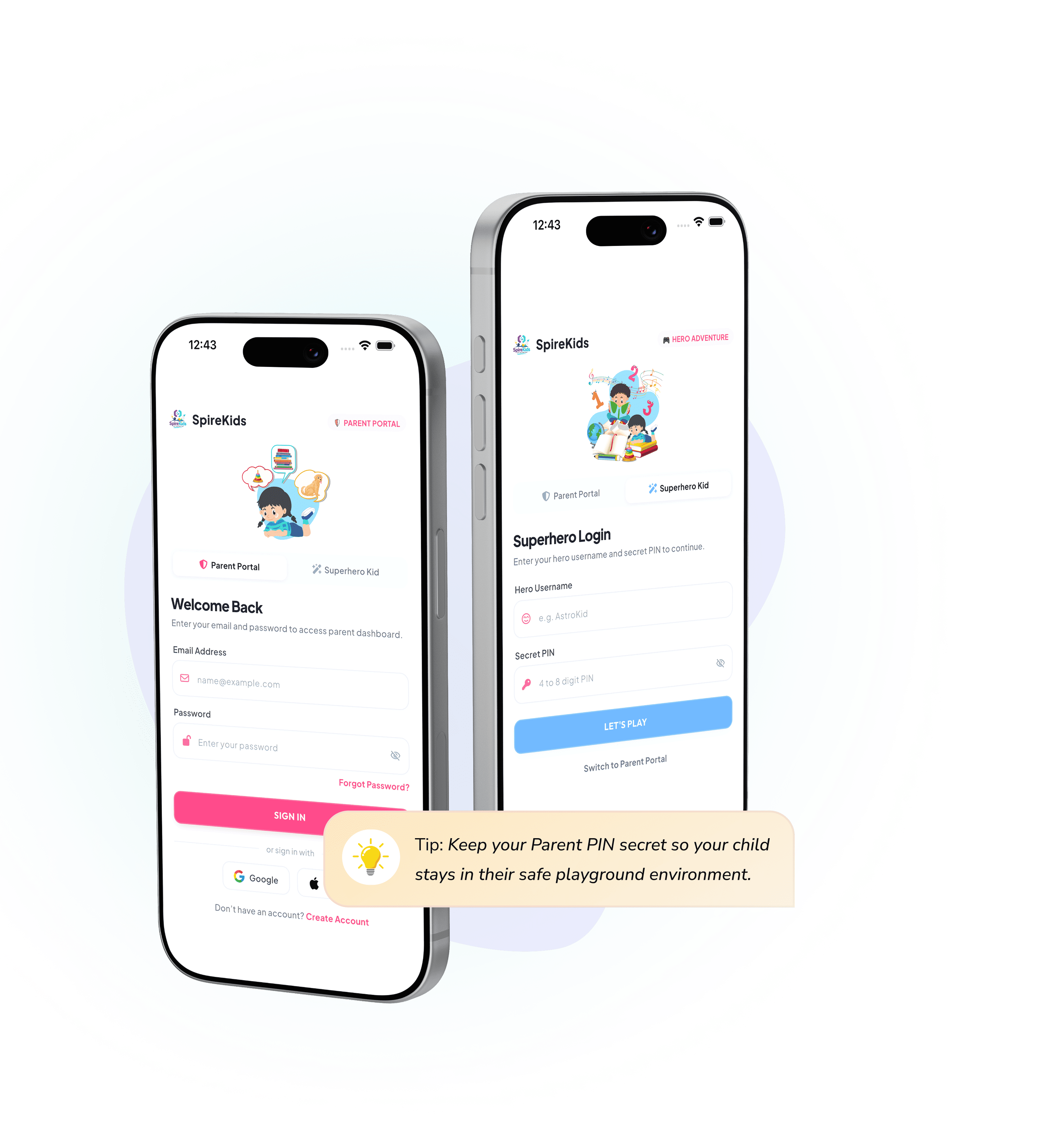
Safe ModeSwitching Modes & Parental Gate
Effortlessly toggle between Kid Mode and Parent Mode with encrypted PIN security and parental controls.
- Secure 4-digit PIN prevents kids from changing app rules
- One-tap Kid Mode lock protects device settings & browser
- Encrypted cloud backup syncs across all family tablets & phones
- Zero ads, zero data tracking, 100% child-safe environment
5
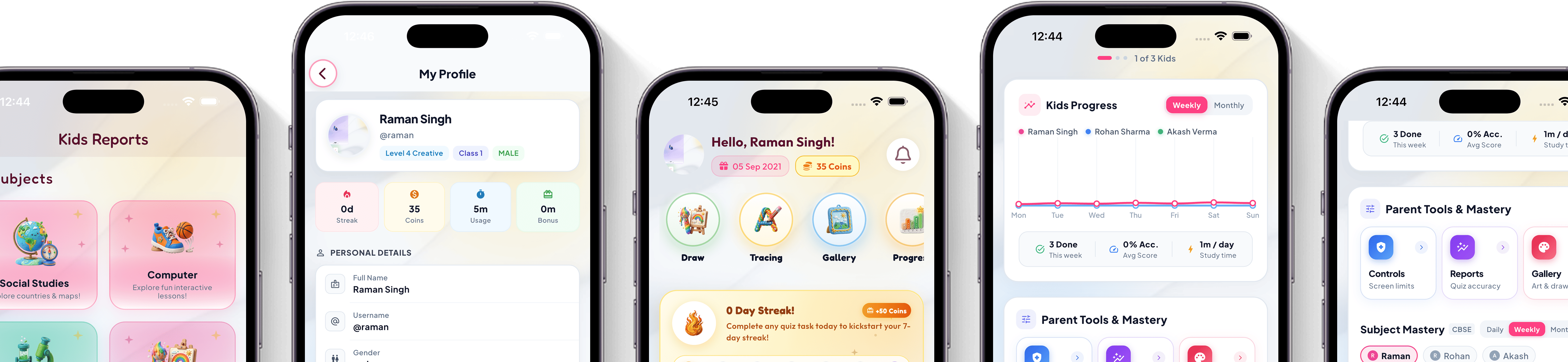
AnalyticsTrack Progress, Reports & Insights
Gain deep insights into your child's learning journey with comprehensive reports, accuracy metrics, and weekly milestones.
- Real-time daily & weekly accuracy tracking across subjects
- Detailed question-by-question breakdown and progress curves
- Celebrate milestone achievements, streaks, and star badges
- Export PDF progress summaries for parent-teacher reviews